
What Is Intelligent Workflow Automation?
How AI-driven processes read, decide, and execute across the systems a company already runs, and what to measure once they do.

Oct 1, 2026
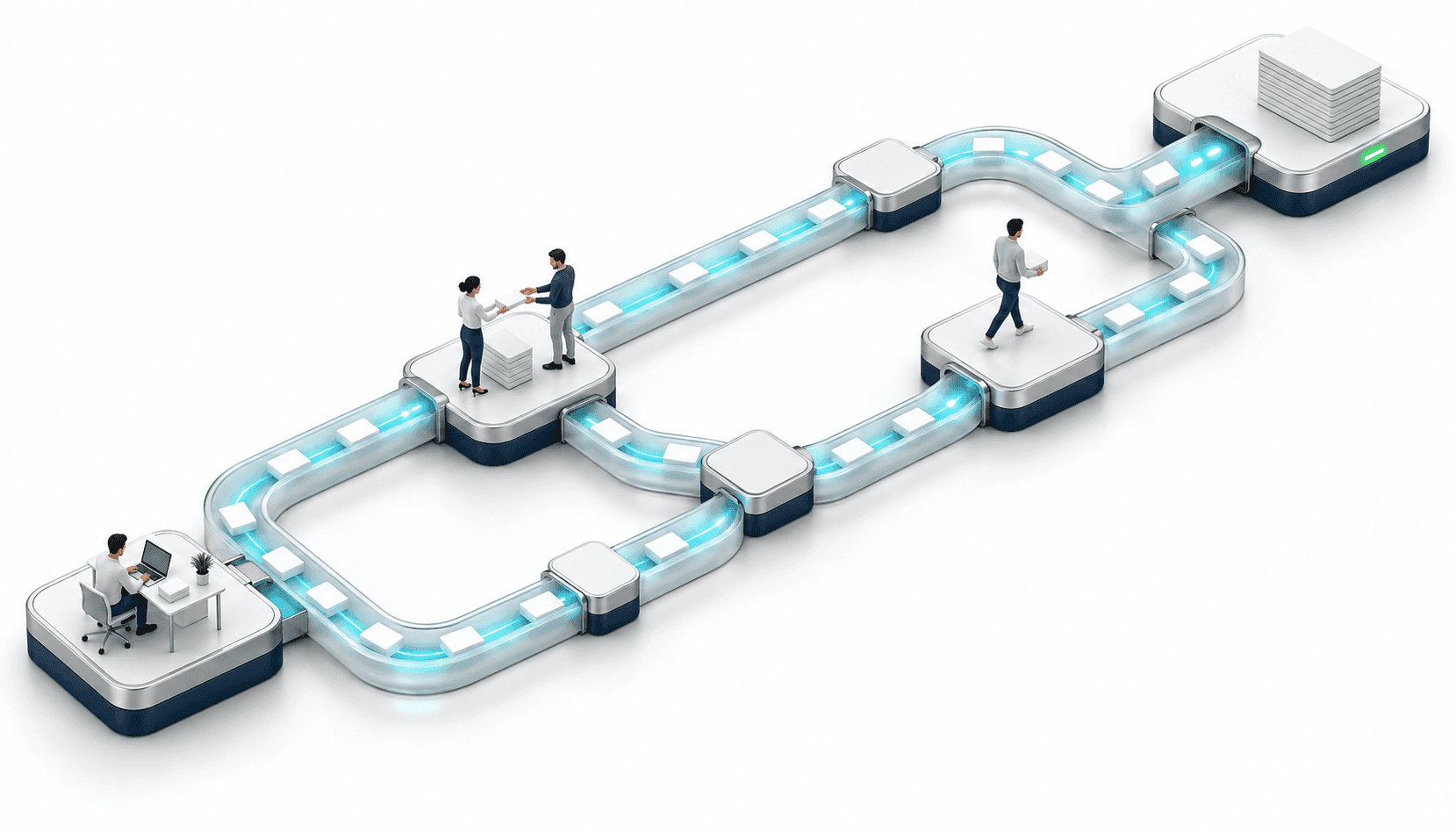
Intelligent workflow automation uses AI to read information as it arrives, decide what happens next, and act inside the systems a company already runs. People stay in the loop wherever judgment, regulation, or accountability calls for it.
Traditional workflow automation executes predefined steps. Intelligent workflow automation adds AI at the points where the process calls for interpretation, classification, or a decision that depends on context. The two coexist inside the same workflow more often than not.
Picture the version of that process most companies have today. A supplier invoice lands as a scanned PDF. Someone opens it, retypes six fields into the ERP, checks a pricing table, flags anything unusual, and forwards the rest for approval. The work gets done. It also depends on one person knowing which exceptions matter, and it absorbs every increase in volume by adding hours.
How does intelligent workflow automation work?
An intelligent workflow brings three capabilities together within the same process:
- Understanding the input. Invoices, claim forms, contracts, support emails, images from the field. The system extracts meaning from formats that vary by sender and change without notice.
- Deciding what happens next. Business rules handle predictable cases, while AI helps interpret situations that depend on context, such as identifying an exception, matching information to an existing record, or determining when a case needs human review.
- Acting in the systems of record. The workflow can create a ticket, update a record, send a notification, or move a file without requiring someone to execute each step manually.
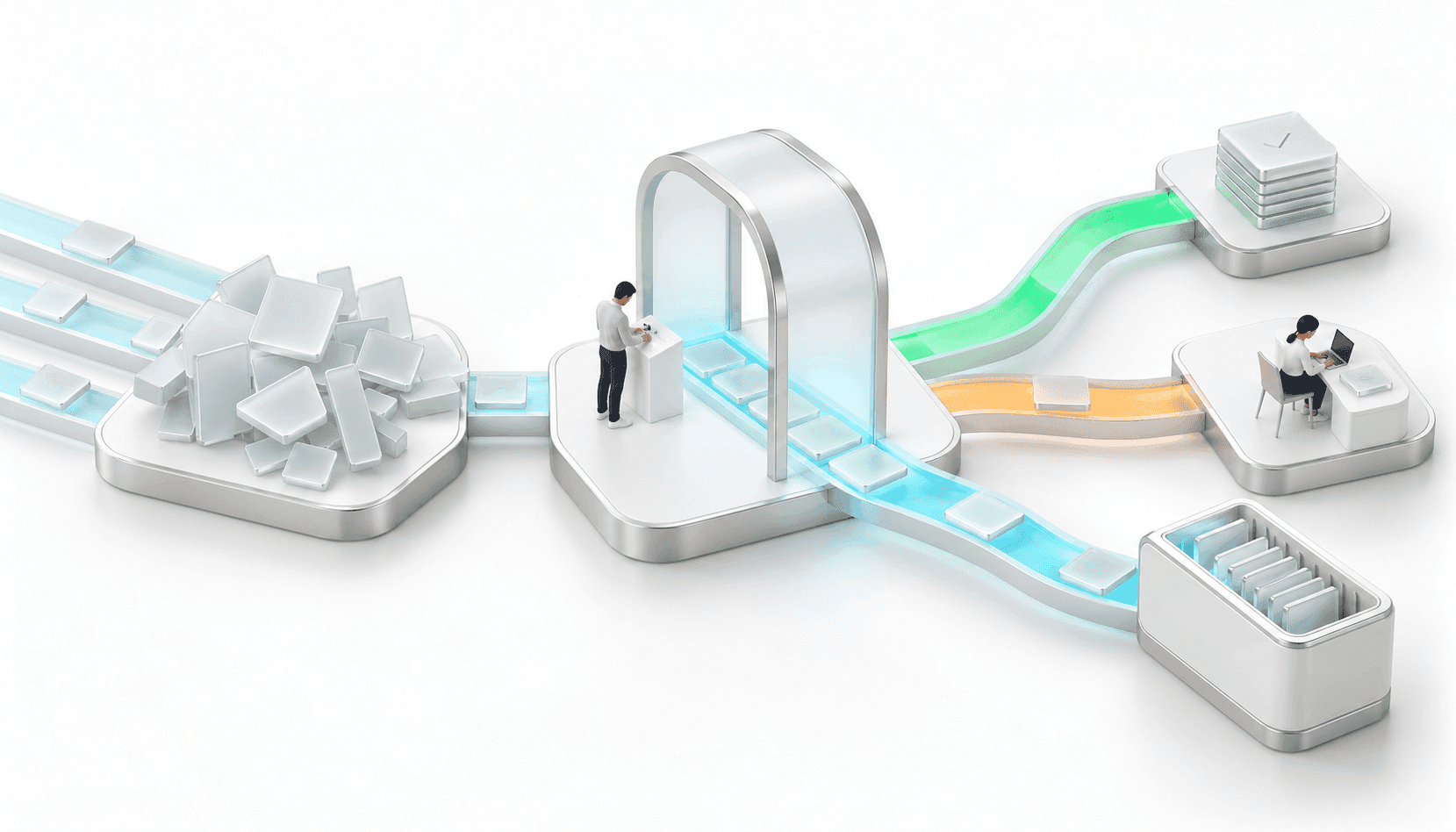
Take away any one of the three and the work still lands on a person. A model that drafts text somebody then pastes into another system saves a few minutes and moves the bottleneck one step down. An integration that breaks the first time a vendor redesigns its invoice sends the whole batch back to manual review.
How intelligent workflow automation differs from RPA and agentic AI
These categories overlap in daily use, and a single process often runs more than one of them. What separates them is where the decisions come from.
| Approach | Best suited for | How decisions get made | Adaptability |
|---|---|---|---|
| Workflow automation | Predictable processes with stable steps | Predefined rules | Low |
| RPA | Repetitive tasks across fixed screens and fields | Predefined rules | Low |
| Intelligent workflow automation | Processes that mix clear rules with ambiguous inputs | Rules plus AI, with people reviewing exceptions | Medium |
| Agentic AI | Variable, multi-step work where the path is not known in advance | Context-dependent decisions inside defined guardrails | Higher |
In an accounts payable flow, RPA may still be the cheapest way to move data between two screens that expose no API, while the AI layer classifies documents and routes what it cannot resolve. Agentic AI solutions belong further along that scale, where the system chooses its own sequence of steps rather than following one that was mapped in advance.
What should be automated, and what still needs human judgment?
Every process worth automating carries some consequence when it goes wrong, so the boundaries get drawn before anything gets built. Which cases does the system close on its own? Which ones does it prepare and hand to a person with the context already assembled? What happens to the ones it cannot classify with enough confidence?
Well-built flows answer those questions explicitly. Confidence thresholds determine what clears automatically. Approval gates sit at the points where a human signature carries legal or financial weight. Everything the system could not resolve lands in a queue with the reasoning attached, so the reviewer starts from a position rather than from a blank screen.
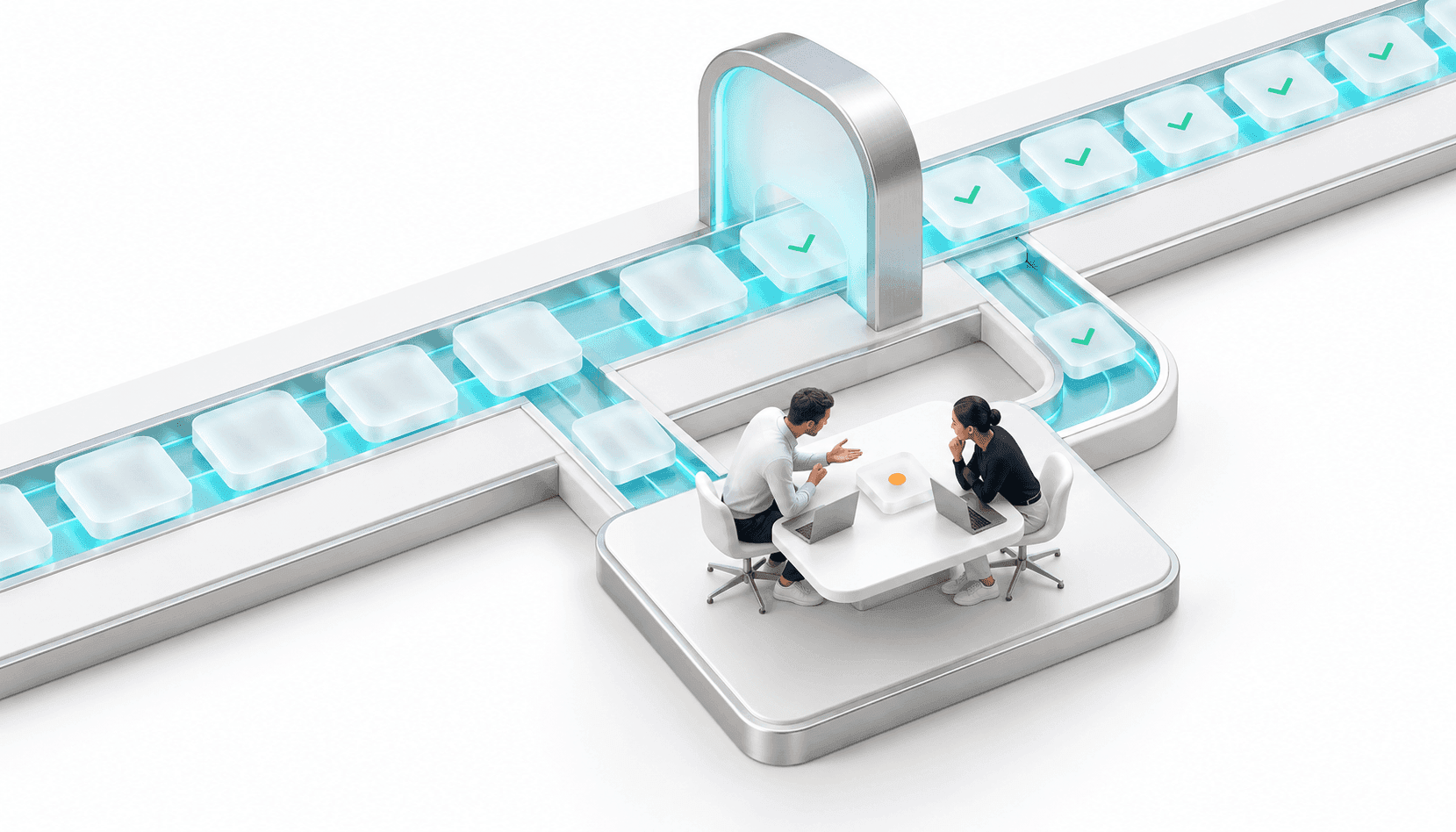
That structure also leaves an audit trail: what was decided, on what basis, and when a person had to sign off. In regulated industries that record is a requirement, and in a sale it answers the questions buyers ask about how the process runs and who is answerable for it.
Which processes should companies automate first?
A strong first automation candidate usually has five characteristics: volume, repeatability, rules the team can explain, accessible data, and errors that can be caught and corrected.
- High volume, and stable enough that this month looks like last month
- A repeatable shape: the inputs vary, the steps do not
- Rules that someone can explain, even if nobody has written them down
- Data the company can already reach, without a new integration project first
- Errors that are detectable and recoverable, with a person available for the cases the system cannot close confidently
Workflows that cross several systems are often where the biggest gains sit, since that is where people spend their time moving information from one screen to another. For a first project, weigh that against the integration work it takes to automate them reliably.
Stanford HAI's 2026 AI Index analyzed 844 tasks across 104 occupations and found positive worker demand for automation in 46.1% of them, strongest where automation would free up time for higher-value work, cut repetition, or improve the quality of the output. The report also sets that demand against what AI can actually do in each task, which is the useful part for anyone deciding where to start: automation gets evaluated task by task and workflow by workflow, not role by role.
Processes that fit none of this can still be automated. They work better as a second project, once the first flow has proven itself.
What does intelligent workflow automation look like in practice?
Grupo El Surco had four business units that had each evolved their own sales tools, which meant a customer buying from two of them appeared as two unrelated relationships. Making Sense built a centralized platform, plus an AI-powered conversational interface that captures sales interactions as they happen and writes them into the ERP.
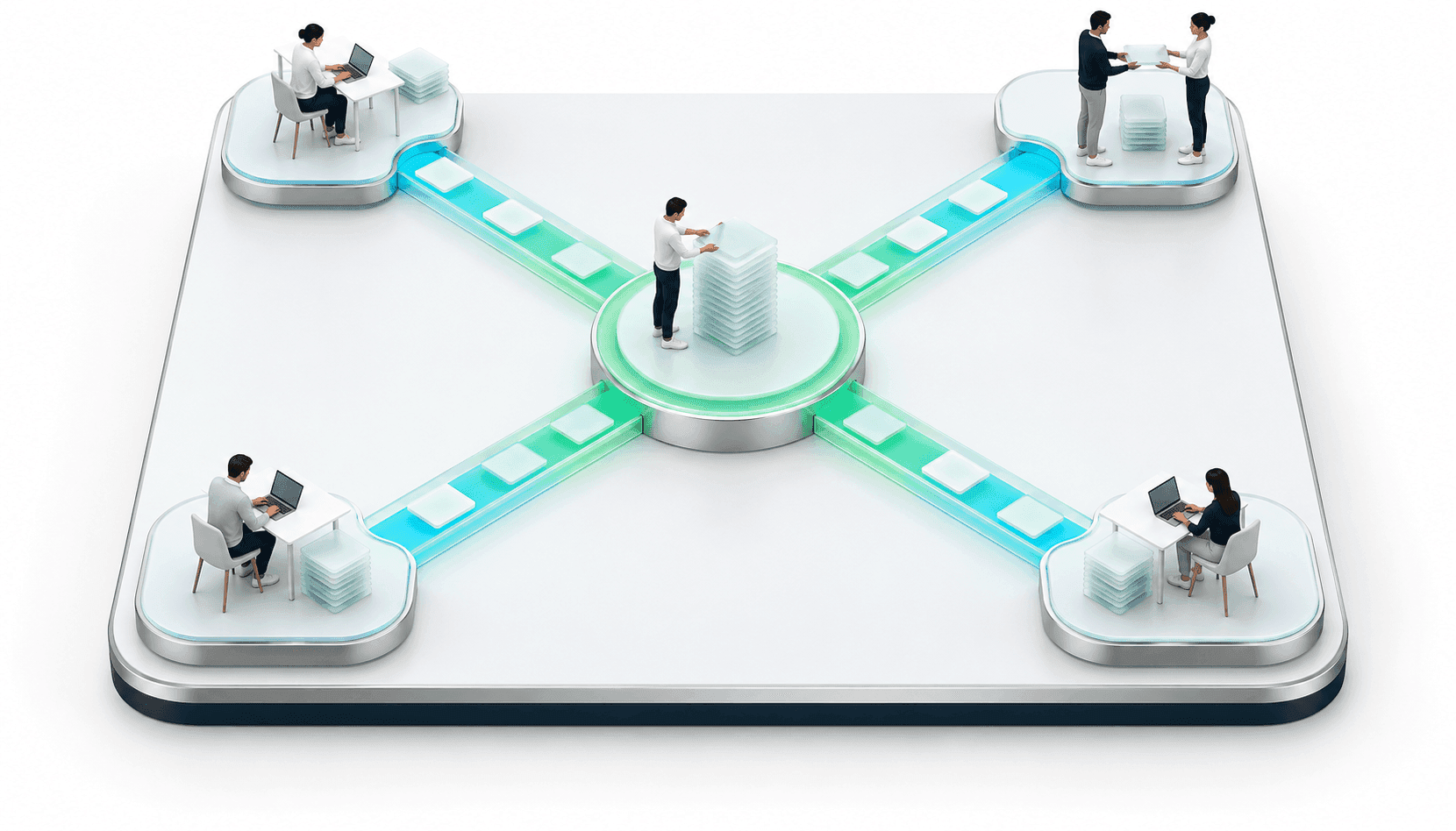
Sales conversations are a good example of the criteria above. The input arrives in whatever shape the customer typed it, the steps that follow are the same every time, and a misfiled interaction is easy to spot and fix.
That flow has all three parts in it. Conversations arrive as free text. The system pulls out what matters and decides where it belongs. The record lands in the ERP without anyone retyping it, and the sales team keeps the judgment calls.
What changed operationally is easy to state. Sales interactions that used to be logged after the fact, when someone remembered, now land in the system as they happen. A customer buying from two units shows up as one relationship instead of two, across all four. It also left their commercial data in one place and current enough to act on, which is the starting point for anything else they build with AI.
How to calculate workflow automation ROI
Hours saved is the figure most teams reach for first, and on its own it rarely convinces a CFO. Two calculations carry more of the business case:
Annual process savings = (baseline cost per transaction minus automated cost per transaction) × annual volume
First-year return = (annual savings minus implementation cost) ÷ implementation cost × 100
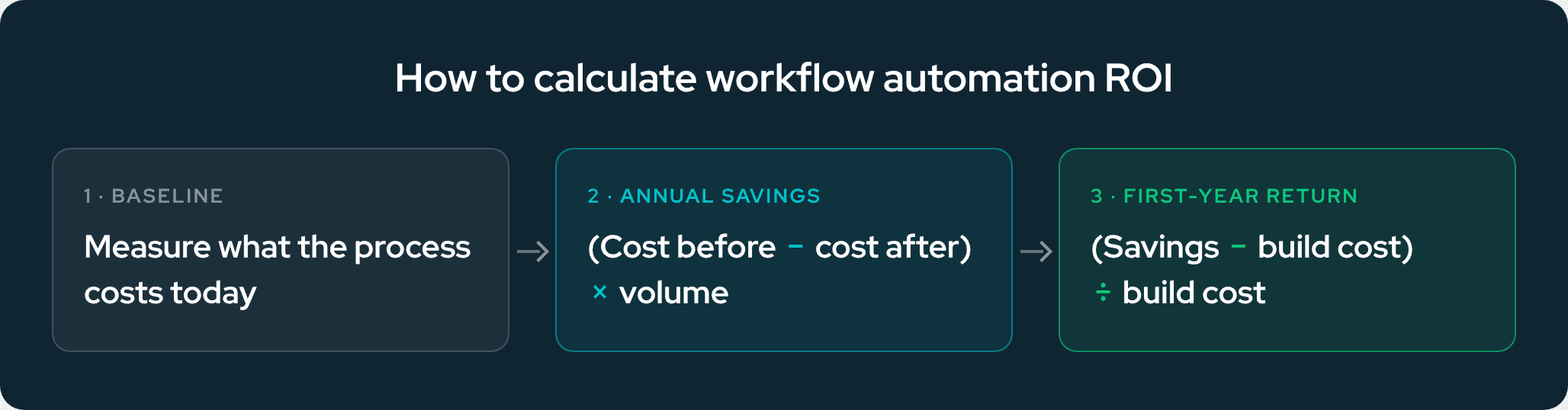
Both depend on a baseline, which means measuring how the workflow runs today before anything gets automated. That number is easy to skip and impossible to reconstruct later.
Cost per transaction is also the easiest input to defend and the least complete. The stronger cases add what rework no longer costs and what the team took on with the capacity that opened up. Beyond the first calculation, the numbers worth tracking are:
- Cycle time from intake to resolution
- Rework rate, meaning how often a case comes back
- Share of volume clearing without human touch, tracked month over month after launch
- Capacity released, expressed as what the team did instead
Which of those matters most depends on why the workflow was automated. A speed problem shows up in cycle time, while expensive errors show up as rework and in the cost of each transaction. Agreeing on that before implementation is what lets the team prove afterward that the process runs better.
For private equity backed companies there is a second layer. A process that only runs because three people know how it works creates an operational dependency. During technology diligence, documented workflows, clear ownership, traceable decisions, and measurable performance make that dependency far easier to assess, which is part of what a technical due diligence review looks for.
Starting with one workflow
A workflow audit is the usual entry point: map how the process runs today, including the informal steps and the exceptions nobody wrote down, set the baseline, and rank the candidates against the five characteristics above. In our experience, a focused first workflow can often reach a working pipeline within four to six weeks. Orchestrations that span several systems may take two to four months, depending on integration complexity and data readiness.
Discovery comes first when the problem itself is still unsettled. It is a short structured engagement to work out where the constraints actually sit and whether automation is the right response, before anyone commits budget to it.
The best place to start is usually the workflow where high volume, repetitive work, data you can already get to, and a result you can measure all line up. Making Sense builds these workflows for mid-market and private equity backed companies, often together with custom software development when a system in the path needs fixing first.
Book a workflow audit and we will go through one process with you, from how it runs today to what a first pipeline would cover. You can also see how we approach intelligent workflow automation end to end.
Frequently asked questions
What is the difference between intelligent workflow automation and RPA?
RPA follows a fixed script across screens and fields, which works well on stable steps and breaks when an input changes shape. Intelligent workflow automation interprets more variable inputs, decides what should happen next within the rules it was given, and routes cases that need review to a person. The two often run together, with RPA handling structured steps inside a broader AI-driven workflow.
What is the difference between intelligent workflow automation and agentic AI?
Intelligent workflow automation orchestrates a process whose steps are defined in advance. Agentic AI decides how to move through work whose path varies, choosing its own sequence within set guardrails.
Which processes should a company automate first?
High-volume processes with articulable rules, accessible data, and errors that can be caught and corrected. Invoice and claims processing, document intake, order routing, and first-line support triage are common starting points.
How do you measure the ROI of intelligent workflow automation?
Start from a baseline of what the process costs today, then compare annual savings against implementation cost: (baseline cost per transaction minus automated cost per transaction) × annual volume, measured against what the build cost. Cycle time, rework rate, and the share of volume clearing without human review show whether the process itself improved.
How long does it take to see results?
Timelines depend on the workflow, the integrations involved, and how ready the data is. In our experience, a focused first workflow can often reach a working pipeline within four to six weeks, while orchestrations that span several systems may take two to four months. Full value accrues over a longer arc, since the early months generate the exception data that makes the flow more accurate.
What happens when the automation gets something wrong?
Well-designed flows plan for this from day one. Cases below a confidence threshold route to a reviewer with the relevant context attached, while the review and any subsequent action remain traceable.
Oct 1, 2026